Page
Pages, the headers and footers repeated on them, page numbers and page breaks.
Import them from @inkoxide/render. Examples, and how these components work together, are in the guide.
Page
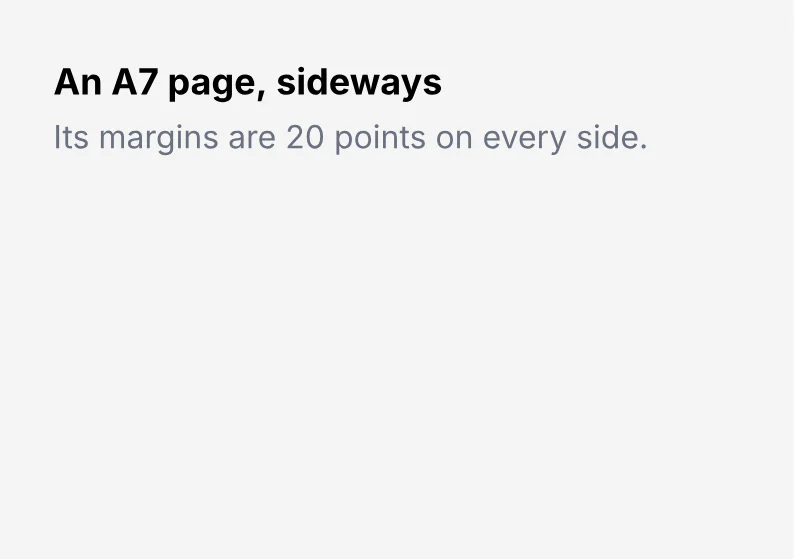
One page layout; content flows over as many sheets as it needs. size (a preset such as "A4", "letter" or "A4-landscape", [width, height], { width, height }, or [width] or one length for a square), orientation, margin. Padding on a page is its margin; a percentage is of the page width, on every side, as in CSS.
import { Document, Page, Text } from '@inkoxide/render';

export default function Example() {
  return (
    <Document>
      <Page size="A7-landscape" margin={20} className="bg-stone-100">
        <Text className="text-lg font-bold">An A7 page, sideways</Text>
        <Text className="mt-1 text-gray-500">Its margins are 20 points on every side.</Text>
      </Page>
    </Document>
  );
}
| Prop | Type | Default | Description |
|---|---|---|---|
size | PageSize | A4 | A preset ('A4', 'letter', 'A5-landscape'), [width, height], { width, height }, or [width] or a single length for a square page. Lengths are points or strings with a unit ('210mm'). |
orientation | 'portrait' | 'landscape' | Turns the size sideways (landscape) or upright (portrait). | |
margin | Edges<Length> | One length for all sides or per side (points, or '15mm'). | |
className | string | Text utilities set the defaults inherited by the page's content; bg-* sets the page background. | |
style | Style | ||
debug | boolean | Outlines the page's margins and the boxes of every element on it, header and footer included. |
Header
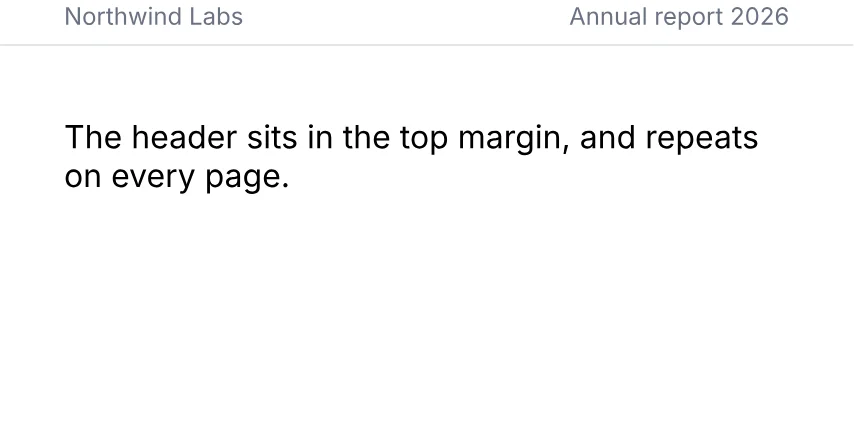
Repeated on every page, in the top or bottom margin.
import { Document, Header, Page, Text } from '@inkoxide/render';

export default function Example() {
  return (
    <Document>
      <Page size={[320, 160]} margin={{ top: 44, right: 24, bottom: 24, left: 24 }}>
        <Header className="flex-row justify-between border-b border-gray-200 pb-1.5 text-xs text-gray-500">
          <Text>Northwind Labs</Text>
          <Text>Annual report 2026</Text>
        </Header>
        <Text>The header sits in the top margin, and repeats on every page.</Text>
      </Page>
    </Document>
  );
}
It also takes the shared props className, style, id, debug.
Footer
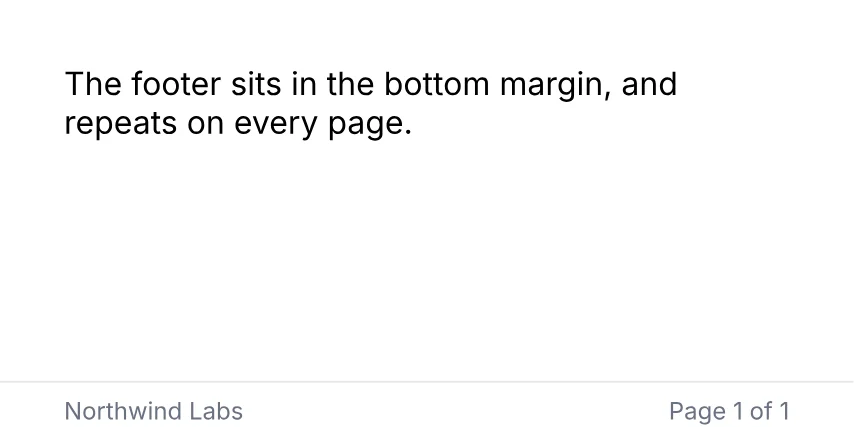
Repeated on every page, in the top or bottom margin.
import { Document, Footer, Page, PageNumber, Text, TotalPages } from '@inkoxide/render';

export default function Example() {
  return (
    <Document>
      <Page size={[320, 160]} margin={{ top: 24, right: 24, bottom: 44, left: 24 }}>
        <Text>The footer sits in the bottom margin, and repeats on every page.</Text>
        <Footer className="flex-row justify-between border-t border-gray-200 pt-1.5 text-xs text-gray-500">
          <Text>Northwind Labs</Text>
          <Text>
            Page <PageNumber /> of <TotalPages />
          </Text>
        </Footer>
      </Page>
    </Document>
  );
}
It also takes the shared props className, style, id, debug.
PageNumber
The current page number. Only inside Text.
import { Document, Page, PageNumber, Text } from '@inkoxide/render';

export default function Example() {
  return (
    <Document>
      <Page size={[320, 120]} className="p-6">
        <Text className="text-lg font-bold">
          This is page <PageNumber />
        </Text>
      </Page>
    </Document>
  );
}
It takes no props.
TotalPages
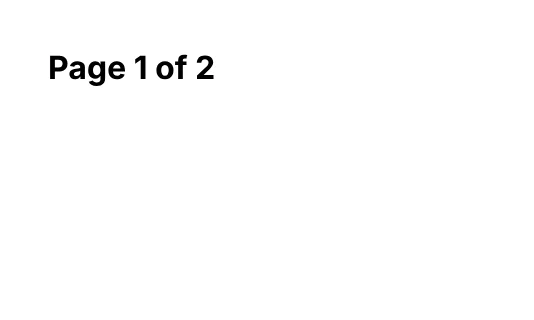
The total page count. Only inside Text.
import { Document, Page, PageBreak, PageNumber, Text, TotalPages } from '@inkoxide/render';

export default function Example() {
  return (
    <Document>
      <Page size={[200, 120]} className="p-6">
        <Text className="font-bold">
          Page <PageNumber /> of <TotalPages />
        </Text>
        <PageBreak />
        <Text className="font-bold">
          Page <PageNumber /> of <TotalPages />
        </Text>
      </Page>
    </Document>
  );
}
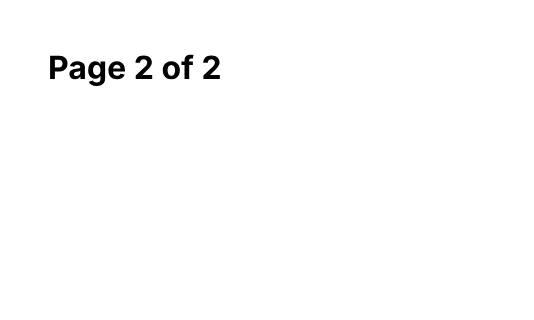
It takes no props.
PageBreak
Starts a new page when content follows it, at any depth of the body. An error inside a flex-row, grid, wrapping or reversed View and inside an absolutely positioned, rotated or transformed element.
import { Document, Page, PageBreak, Text } from '@inkoxide/render';

export default function Example() {
  return (
    <Document>
      <Page size={[200, 120]} className="p-6">
        <Text className="font-bold">Chapter 1</Text>
        <Text className="text-gray-500">Ends here.</Text>
        <PageBreak />
        <Text className="font-bold">Chapter 2</Text>
        <Text className="text-gray-500">Starts on a new page.</Text>
      </Page>
    </Document>
  );
}

| Prop | Type | Description |
|---|---|---|
id | string |
Synced from components/page.md in the inkoxide repository.