PDFs, laid out in Rust.
A layout engine for Node.js and the browser. Write documents as React components or a JSON tree; the engine lays them out and writes the PDF.
npm install @inkoxide/renderFor Node.js 22 or later, as an ES module. npm installs a prebuilt engine for macOS, Linux or Windows. In browsers, the engine is WebAssembly and renders in a Web Worker.
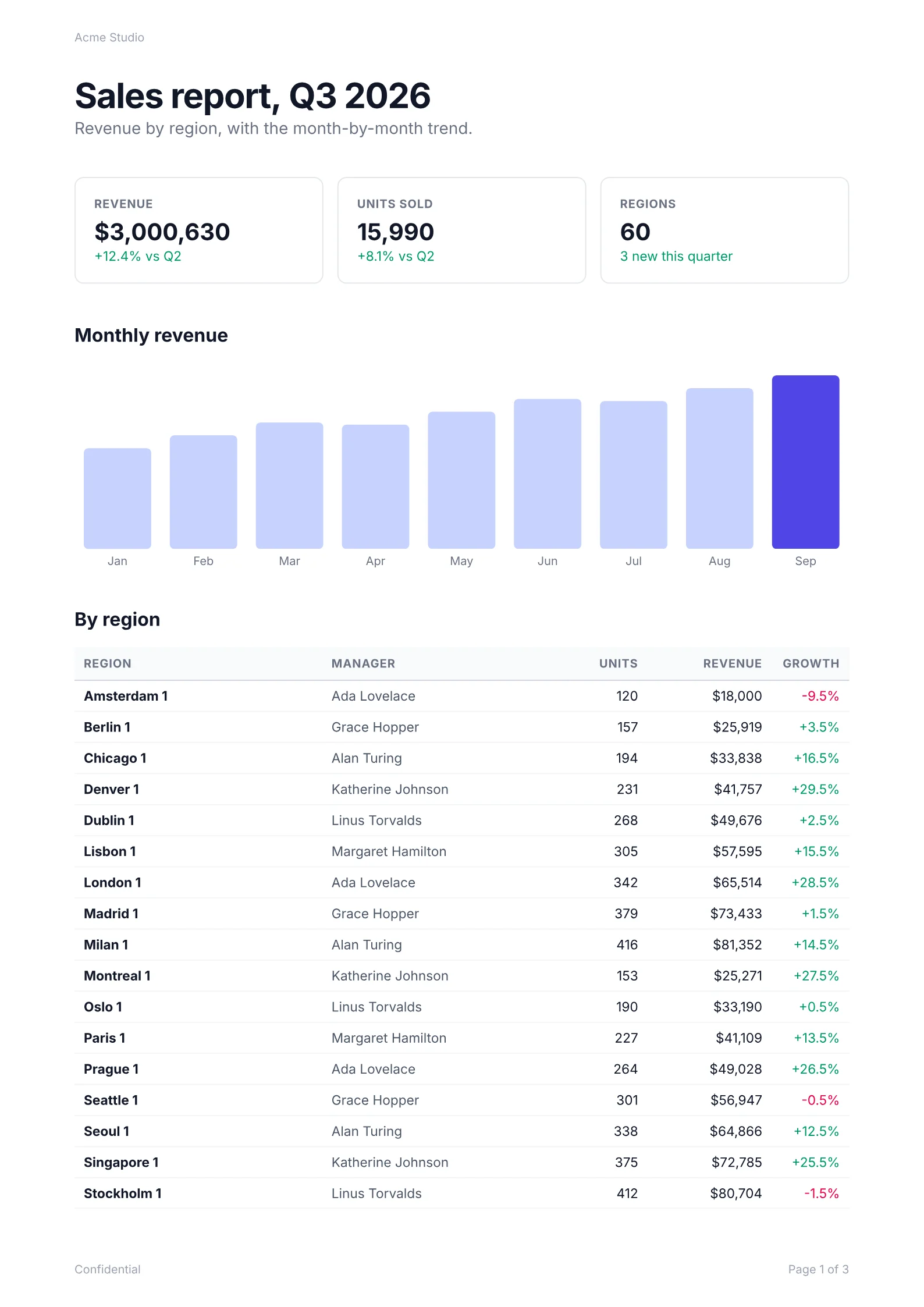
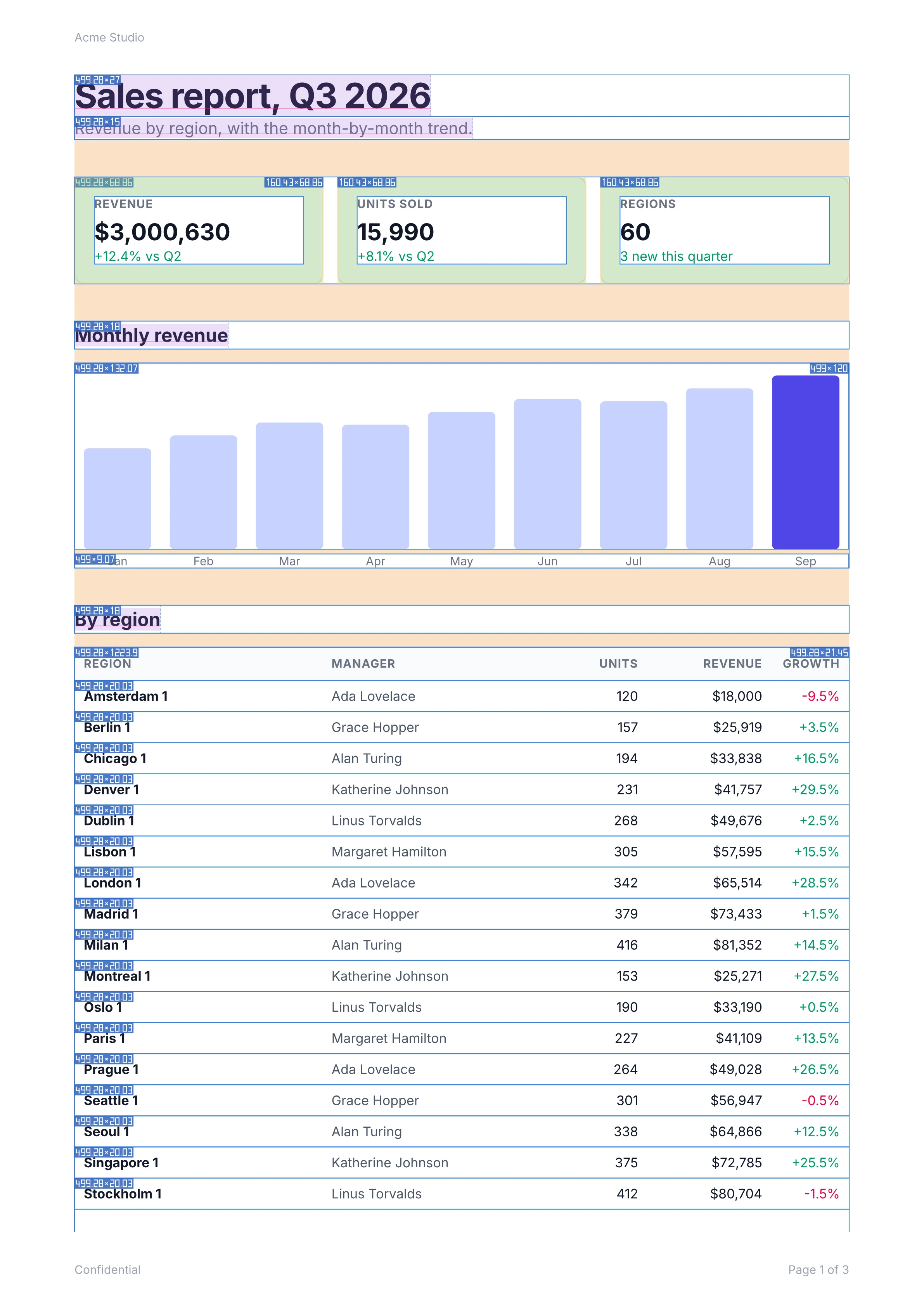
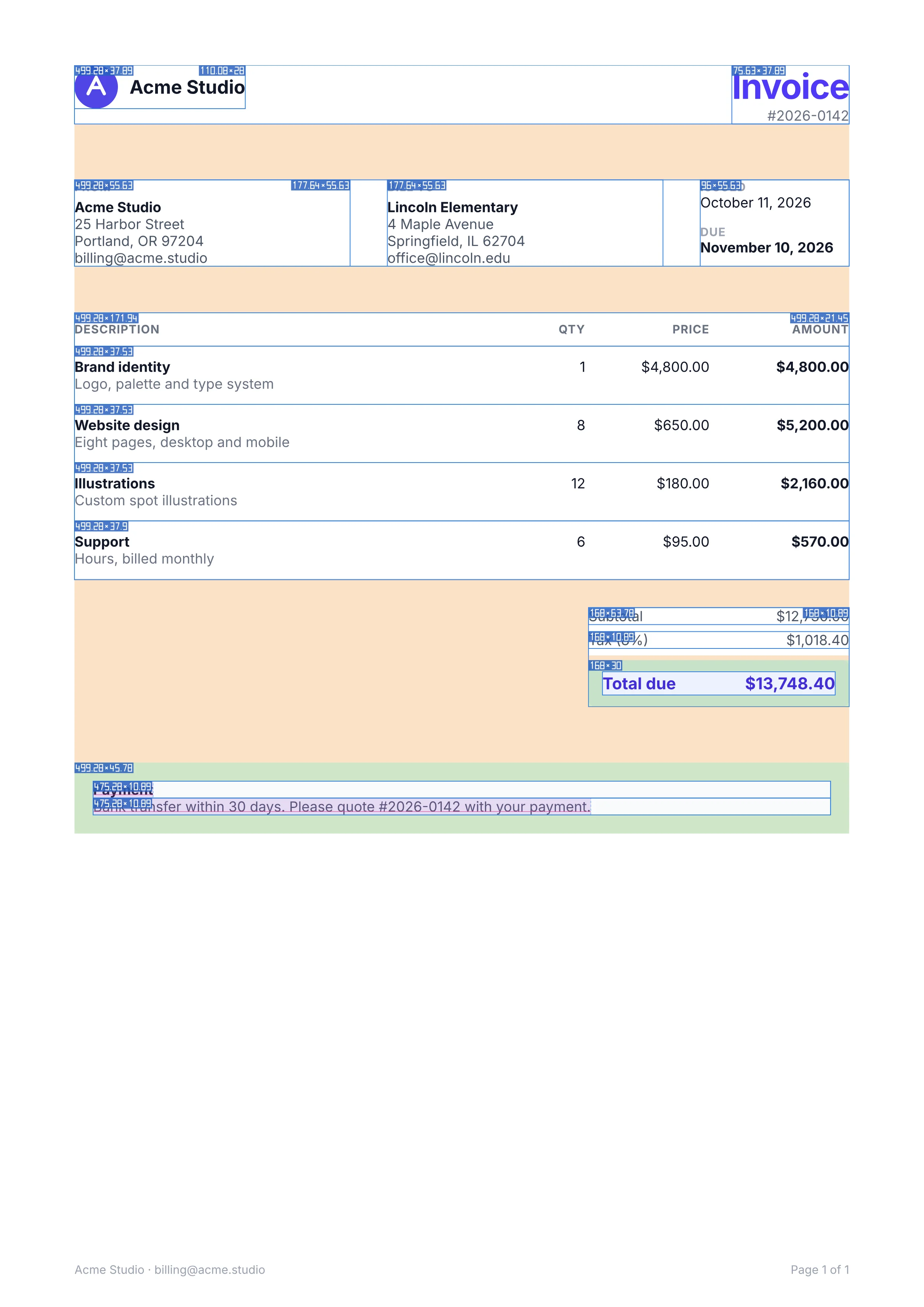
Switch to Layout for the boxes the engine laid out.
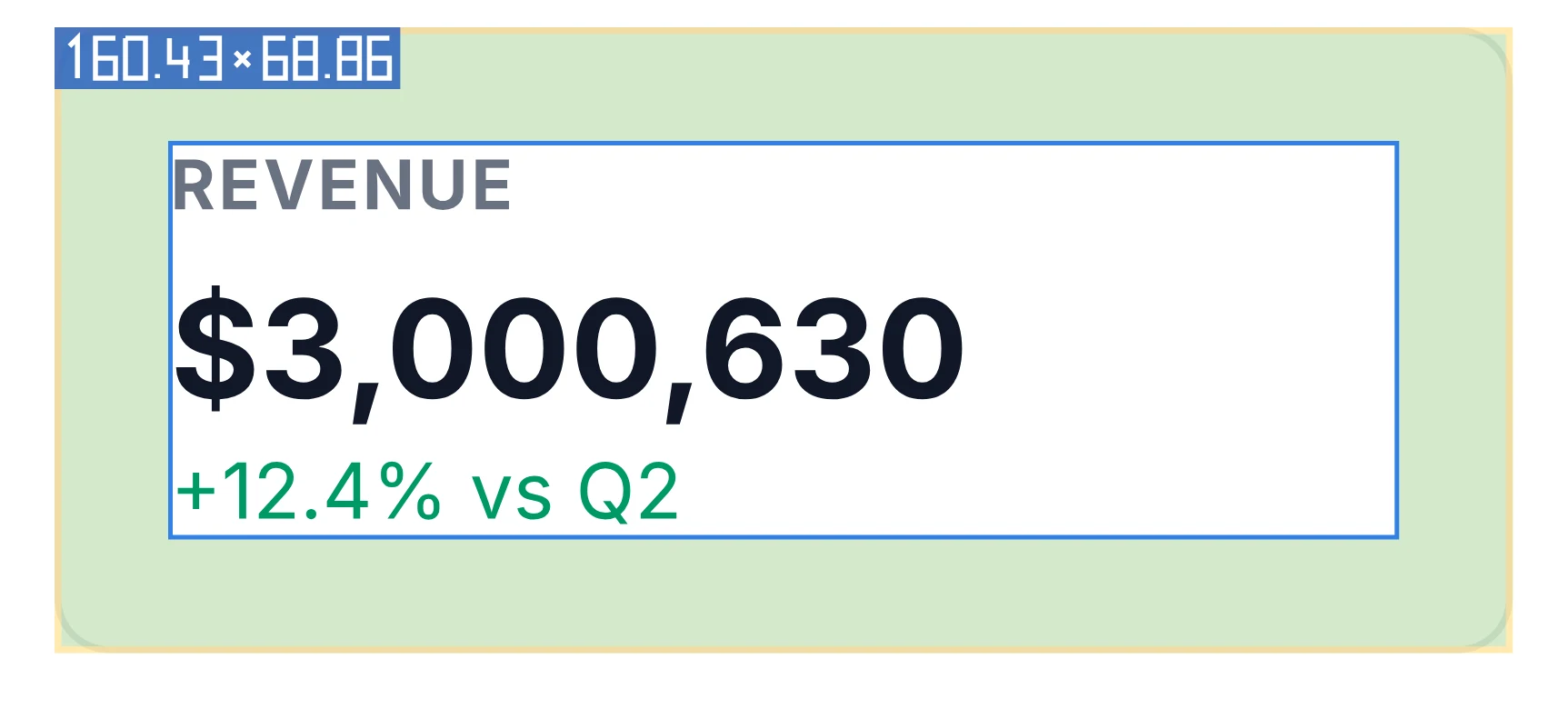
Drawn by the engine’s debug option, sizes in points.
Seven documents, source to page
Rendered by @inkoxide/render 0.9.0 when this site was built.
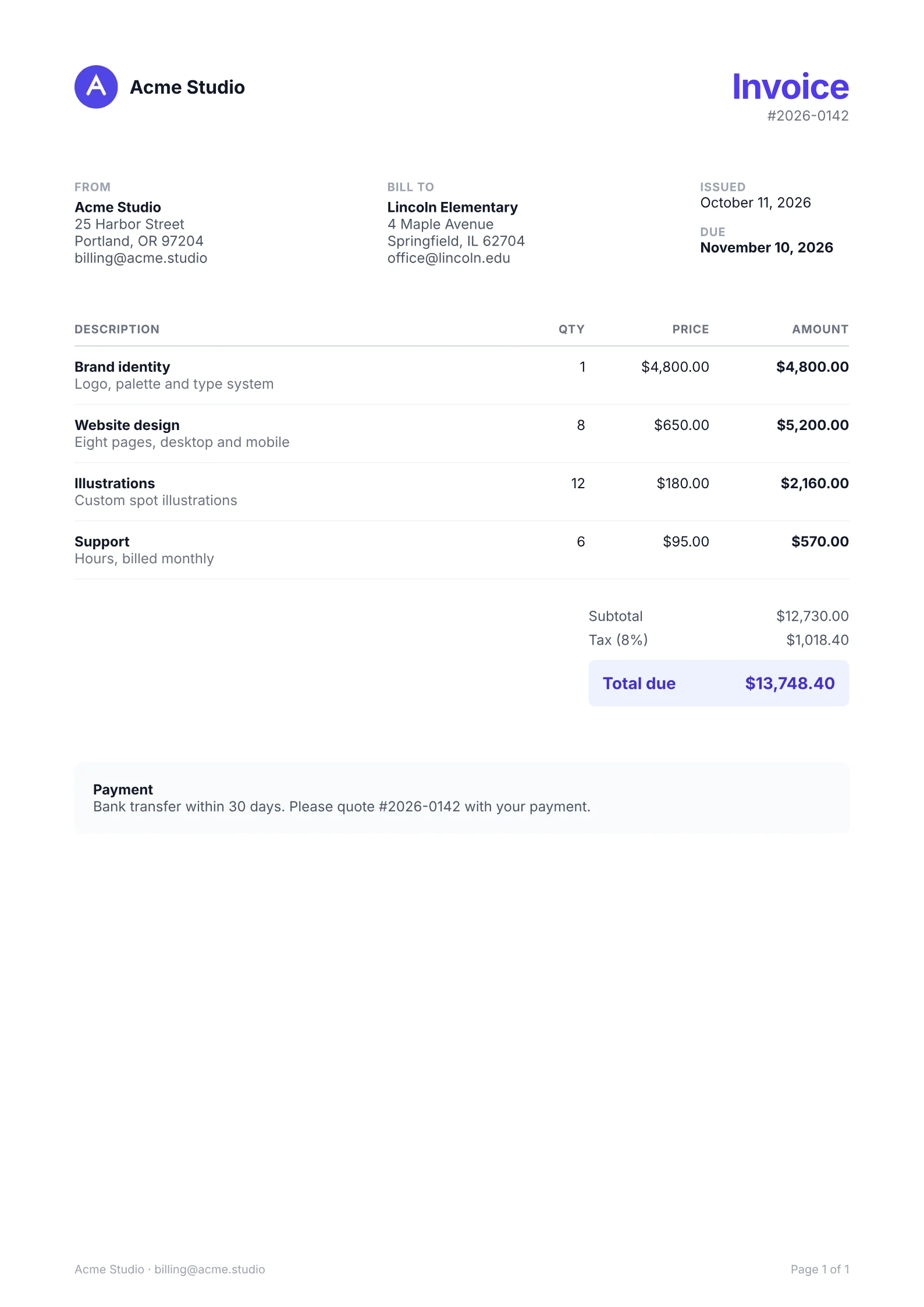
An SVG logo, a table whose header repeats on every page, totals kept together and page numbers in the footer.
export default function Invoice({ number, issued, due, from, to, items, taxRate }: InvoiceProps) {
  const subtotal = items.reduce((sum, it) => sum + it.quantity * it.price, 0);
  const tax = subtotal * taxRate;
  const th = 'border-b border-gray-300 py-2 text-[7.5pt] font-bold uppercase tracking-wider text-gray-500';
  const td = 'border-b border-gray-100 py-2.5';

  return (
    <Document title={`Invoice ${number}`} author={from.name}>
      <Page size="A4" className="px-16 pt-14 pb-16 text-[9pt] text-gray-900">
        <Footer className="flex-row justify-between text-[7.5pt] text-gray-400">
          <Text>
            {from.name} · {from.email}
          </Text>
          <Text className="text-right">
            Page <PageNumber /> of <TotalPages />
          </Text>
        </Footer>

        <View className="mb-12 flex-row items-start justify-between">
          <View className="flex-row items-center gap-2.5">
            <Logo />
            <Text className="text-base font-bold">{from.name}</Text>
          </View>
          <View className="items-end">
            <Text className="text-3xl font-bold tracking-tight text-indigo-600">Invoice</Text>
            <Text className="text-gray-500">#{number}</Text>
          </View>
        </View>

        <View className="mb-10 flex-row gap-8">
          <Address label="From" party={from} />
          <Address label="Bill to" party={to} />
          <View className="w-32 gap-3">
            <View>
              <Text className="text-[7.5pt] font-bold uppercase tracking-wider text-gray-400">Issued</Text>
              <Text>{issued}</Text>
            </View>
            <View>
              <Text className="text-[7.5pt] font-bold uppercase tracking-wider text-gray-400">Due</Text>
              <Text className="font-bold">{due}</Text>
            </View>
          </View>
        </View>

        <Table columns={['1fr', 50, 80, 90]} headerRows={1}>
          <Row>
            <Cell className={th}>Description</Cell>
            <Cell className={`${th} text-right`}>Qty</Cell>
            <Cell className={`${th} text-right`}>Price</Cell>
            <Cell className={`${th} text-right`}>Amount</Cell>
          </Row>
          {items.map((it) => (
            <Row key={it.description}>
              <Cell className={td}>
                <Text className="font-bold">{it.description}</Text>
                {it.details && <Text className="text-gray-500">{it.details}</Text>}
              </Cell>
              <Cell className={`${td} text-right`}>{it.quantity}</Cell>
              <Cell className={`${td} text-right`}>{money(it.price)}</Cell>
              <Cell className={`${td} text-right font-bold`}>{money(it.quantity * it.price)}</Cell>
            </Row>
          ))}
        </Table>

        <View className="mt-6 ml-auto w-56 gap-1.5" break="avoid">
          <View className="flex-row justify-between text-gray-600">
            <Text>Subtotal</Text>
            <Text>{money(subtotal)}</Text>
          </View>
          <View className="flex-row justify-between text-gray-600">
            <Text>Tax ({taxRate * 100}%)</Text>
            <Text>{money(tax)}</Text>
          </View>
          <View className="mt-1 flex-row justify-between rounded-md bg-indigo-50 px-3 py-2.5 text-sm font-bold text-indigo-700">
            <Text>Total due</Text>
            <Text>{money(subtotal + tax)}</Text>
          </View>
        </View>

        <View className="mt-12 rounded-md bg-gray-50 p-4 text-gray-600" break="avoid">
          <Text className="font-bold text-gray-900">Payment</Text>
          <Text>Bank transfer within 30 days. Please quote #{number} with your payment.</Text>
        </View>
      </Page>
    </Document>
  );
}
What the engine does
Native speed
In the benchmarks, a 98-page report from JSON renders in about 130 ms on a 4-vCPU Xeon container, the median after a warm-up. Text shaping, painting and PDF writing run in parallel.
| invoice.pdf | 1 page | 2.5 ms |
|---|---|---|
| report.pdf | 3 pages | 7.4 ms |
| receipt.pdf | 1 page | 0.8 ms |
| letter.pdf | 1 page | 1.3 ms |
| resume.pdf | 1 page | 2.6 ms |
| certificate.pdf | 1 page | 1.2 ms |
| form.pdf | 1 page | 1.4 ms |
Flexbox, grid and Tailwind
Flexbox and CSS grid, absolute positioning and transforms, styled with Tailwind classes or style objects.

- Margin
- Border
- Padding
- Content
Forms, PDF/A and encryption
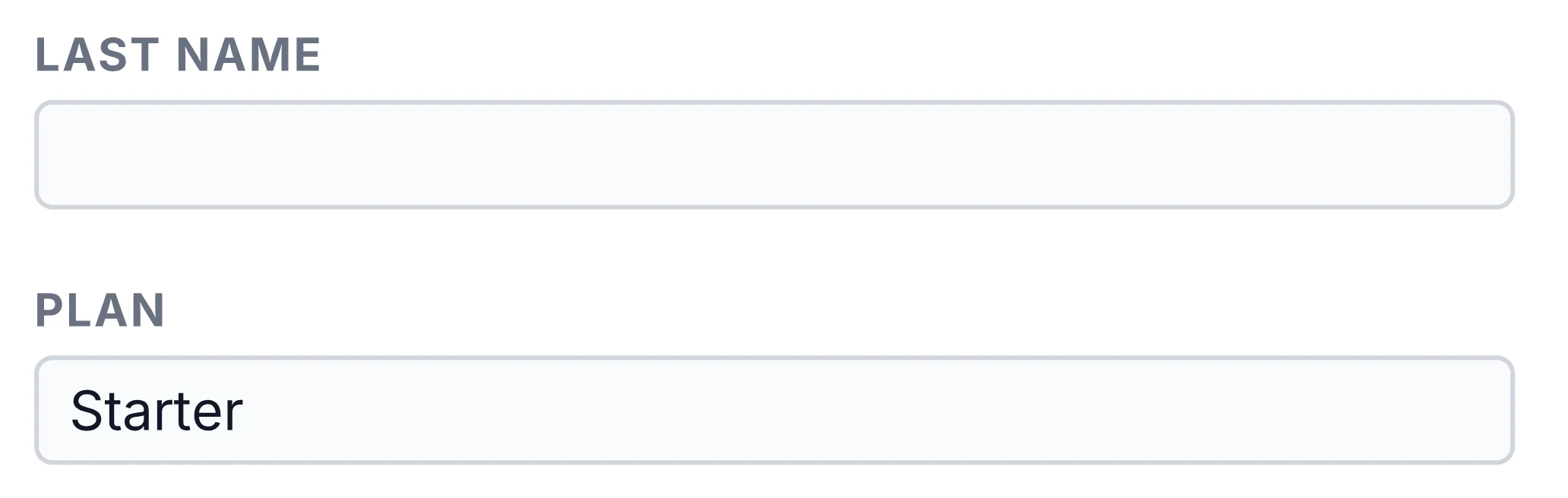
Text fields, selects, radio buttons and checkboxes that can be filled in any PDF viewer. PDF/A-1b, 2b and 3b for archives, and AES-256 encryption with passwords and permissions.
Render your first PDF
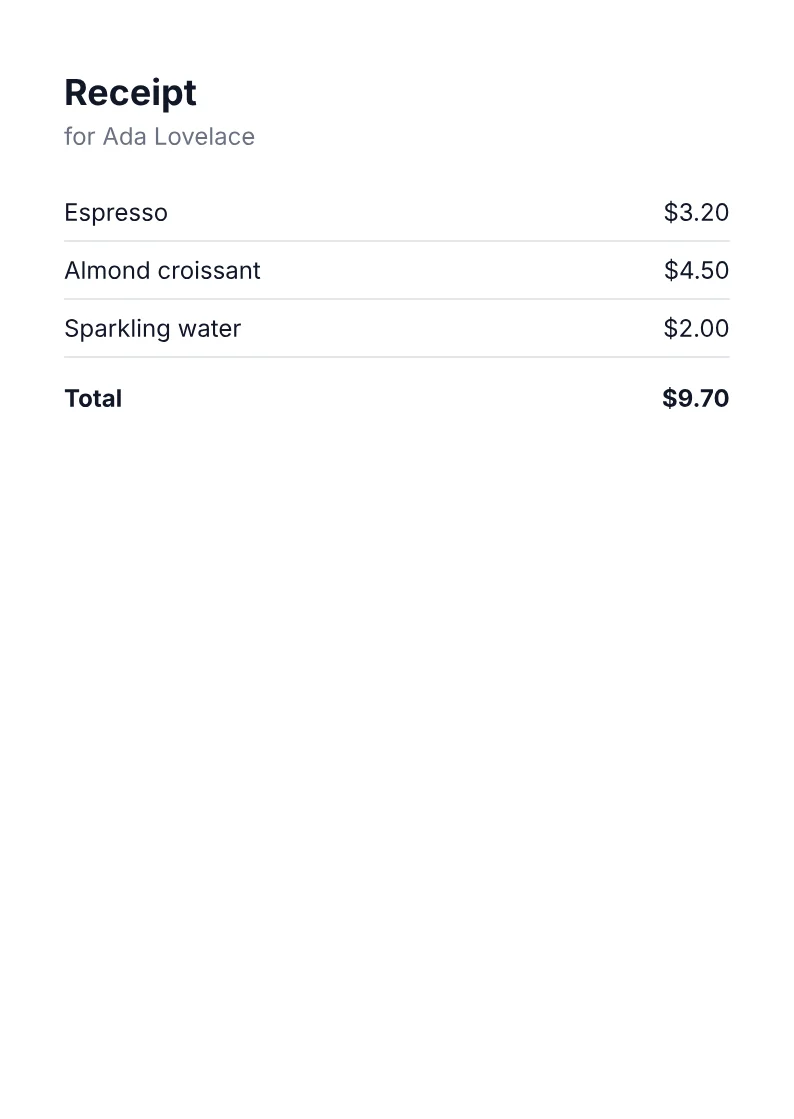
Install the package, save the receipt from Getting started as a file, and one call writes this page.
npm install @inkoxide/renderUsing className, as the receipt does? Add @inkoxide/tailwind.
await renderToFile(<Receipt {...sample} />, 'receipt.pdf');