Image
JPEG, PNG, GIF, WebP and SVG images, on their own, in a line of text or behind a box.
Import them from @inkoxide/render. Examples, and how these components work together, are in the guide.
Image
JPEG, PNG, GIF, WebP or SVG. fit (or objectFit in its style): fill, contain, cover, none; objectPosition in its style places the fitted image.
import { Document, Image, Page, Text } from '@inkoxide/render';

// A file path needs the render option `localImages: { root }`, the folder it is read from.
export default function Example() {
  return (
    <Document>
      <Page size={[320, 220]} className="p-6">
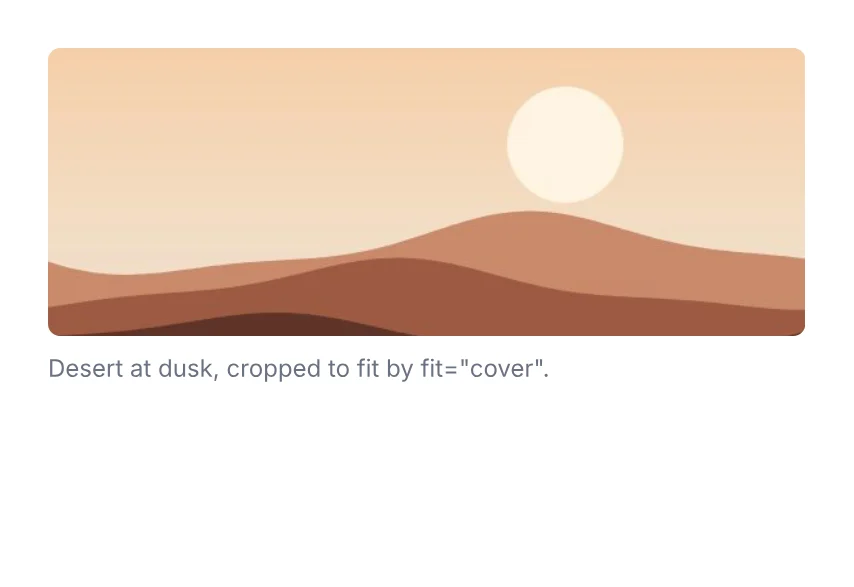
        <Image src="./photo.jpg" fit="cover" className="h-36 w-full rounded-md" />
        <Text className="mt-2 text-xs text-gray-500">Desert at dusk, cropped to fit by fit="cover".</Text>
      </Page>
    </Document>
  );
}
| Prop | Type | Description |
|---|---|---|
src (required) | ImageSrc | Bytes (JPEG, PNG, GIF, WebP, SVG; a Uint8Array, Buffer or ArrayBuffer), a data: URL, the id of an image passed in the render options, a file path (./logo.png, /srv/img/logo.png) or file: URL in a folder allowed by the render option localImages, an https: URL or a request allowed by the render option remoteImages, or a function or promise resolving to one of those. A string naming an image in the render options is that image, path or not. |
fit | 'fill' | 'contain' | 'cover' | 'none' | |
alt | string | Inside a <Text>: the text the image copies and searches as (its alternative text, at most 1024 characters). |
It also takes the shared props break, wrap, minPresenceAhead, fixed, pages, href, bookmark, className, style, id, debug.
ImageBackground
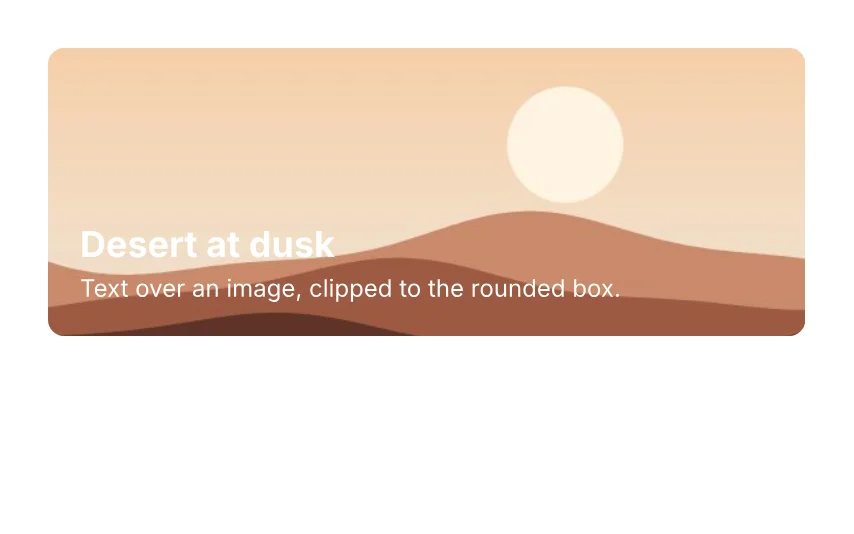
A View with an image behind its children: the image fills the padding box (inside the borders), placed by fit and objectPosition, over the background colour and under the borders, clipped to the box and its borderRadius.
import { Document, ImageBackground, Page, Text } from '@inkoxide/render';

export default function Example() {
  return (
    <Document>
      <Page size={[320, 200]} className="p-6">
        <ImageBackground src="./photo.jpg" fit="cover" className="h-36 justify-end rounded-lg p-4">
          <Text className="text-lg font-bold text-white">Desert at dusk</Text>
          <Text className="text-xs text-white">Text over an image, clipped to the rounded box.</Text>
        </ImageBackground>
      </Page>
    </Document>
  );
}
| Prop | Type | Description |
|---|---|---|
src (required) | ImageSrc | The image, in any form <Image src> takes. |
fit | 'fill' | 'contain' | 'cover' | 'none' | How the image fills the padding box: fill (default) stretches it, contain and cover keep its aspect ratio, none keeps its size. Wins over objectFit. |
It also takes the shared props break, wrap, minPresenceAhead, fixed, pages, href, bookmark, className, style, id, debug.
Synced from components/image.md in the inkoxide repository.